
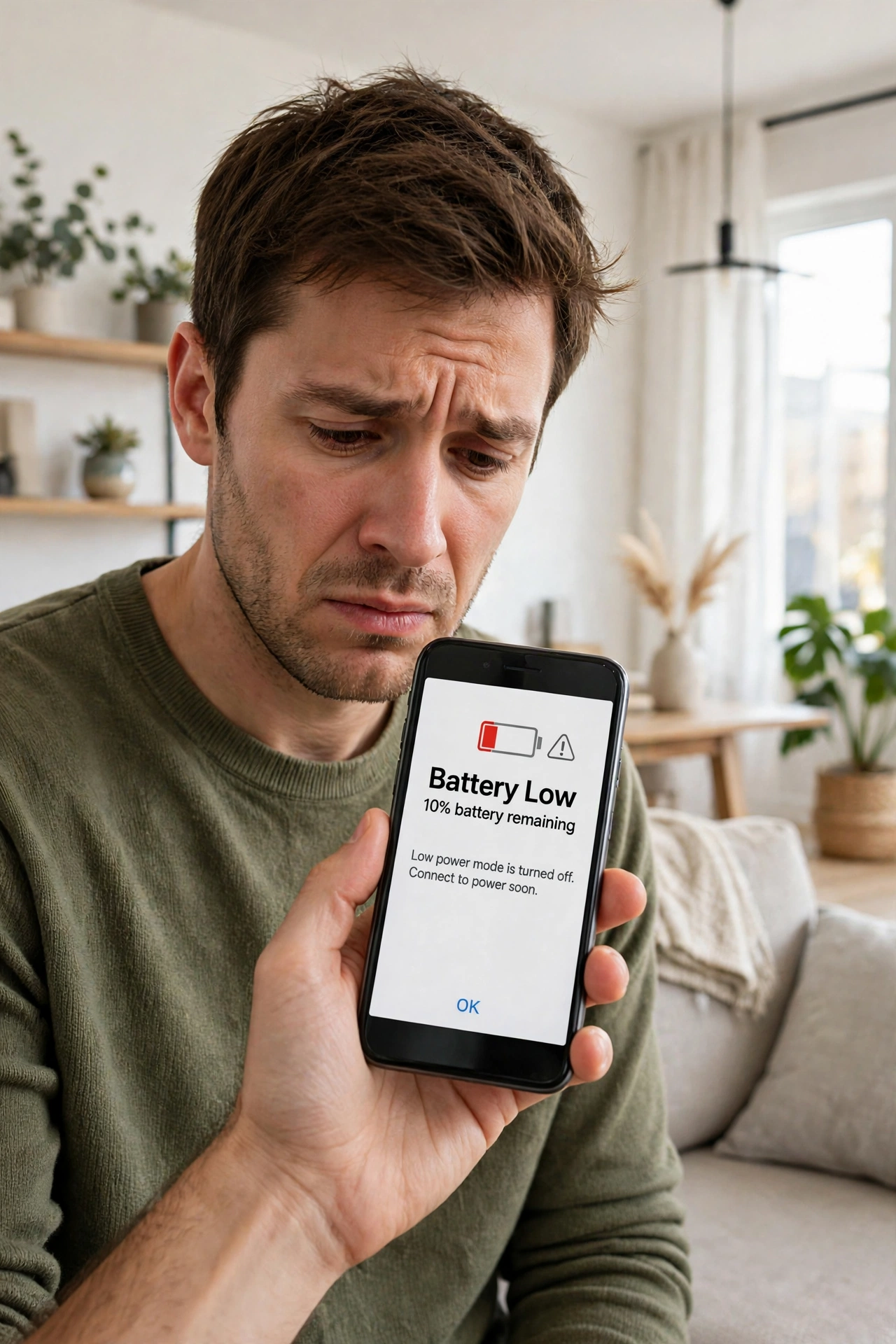
You charge your phone to 100 percent in the morning, and by lunchtime it is already begging for a charger. Sound familiar? When your phone battery drains fast, it is one of the most common phone complaints in the world, and the frustrating part is that it usually is not one big problem. It is a dozen small ones, quietly adding up in the background while you go about your day.
The good news is that most cases where your phone battery drains fast are fixable without buying a new phone. Once you understand what actually eats your battery, a few settings and habit changes can easily buy you several extra hours. Let us start with the culprits.
The Usual Suspects: What Really Eats Your Battery
Your screen is almost always the number one battery user. A bright screen, kept on for hours, drinks power faster than anything else. If you keep brightness at maximum all day, or your screen stays on for five minutes every time you glance at it, that alone can explain why your phone battery drains fast.
Next come the apps running in the background. Social media, maps, email, and messaging apps do not fully sleep when you close them. They keep checking for updates and tracking your location, all on your battery’s tab. One app on its own is harmless, but twenty of them checking in every few minutes is not.
Then there is connectivity. A weak mobile signal is a silent battery killer. When your phone struggles to hold on to a signal — in a basement, a lift, or a rural area — it boosts its radio power to stay connected, and that burns charge fast.
Finally, there is age. Phone batteries wear out, just like any rechargeable battery. After two or three years of daily charging, a battery that once held a full day’s charge may only manage 80 percent of what it used to. That is normal chemistry, not a fault.
Find the Real Culprit on Your Own Phone
Before changing anything, spend two minutes checking why your phone battery drains fast, because guessing wastes time. Every modern phone shows this clearly.
On an iPhone, go to Settings, then Battery, and look at the list of apps with their percentages for the last 24 hours. On Android, go to Settings, then Battery, then Battery Usage for a similar breakdown. If one app is using 30 percent while everything else sits under 5 percent, you have found your problem — update that app, limit its background activity, or delete it if you barely use it.
Also check the battery health figure if your phone shows one. On iPhones it sits under Settings, then Battery, then Battery Health. If maximum capacity has dropped below 80 percent, no amount of settings tweaking will fully fix your battery life, because the battery itself is tired.
Settings That Make an Immediate Difference
You do not need to turn your phone into a boring brick to save battery. A handful of settings give you most of the benefit with almost no inconvenience.
Start with the screen. Turn on auto-brightness so the phone dims itself indoors instead of blazing at full power all day. Shorten the screen timeout to 30 seconds or one minute, so a forgotten phone does not sit there lit up on the table for five minutes. If your phone has an OLED screen, dark mode genuinely helps too, because black pixels on that kind of screen use almost no power.
Next, tame background activity. On both iPhone and Android you can stop individual apps from refreshing in the background. Keep it on for email and messaging, but turn it off for games, shopping apps, and social feeds you only check when you open them anyway.
Location is another easy win. Many apps ask for your location “always” when they only need it “while using the app.” Change those permissions, and your phone stops tracking you in the background for no reason. The same logic applies to notifications: every buzz that lights up your screen costs a little power, so silence the apps that do not matter.
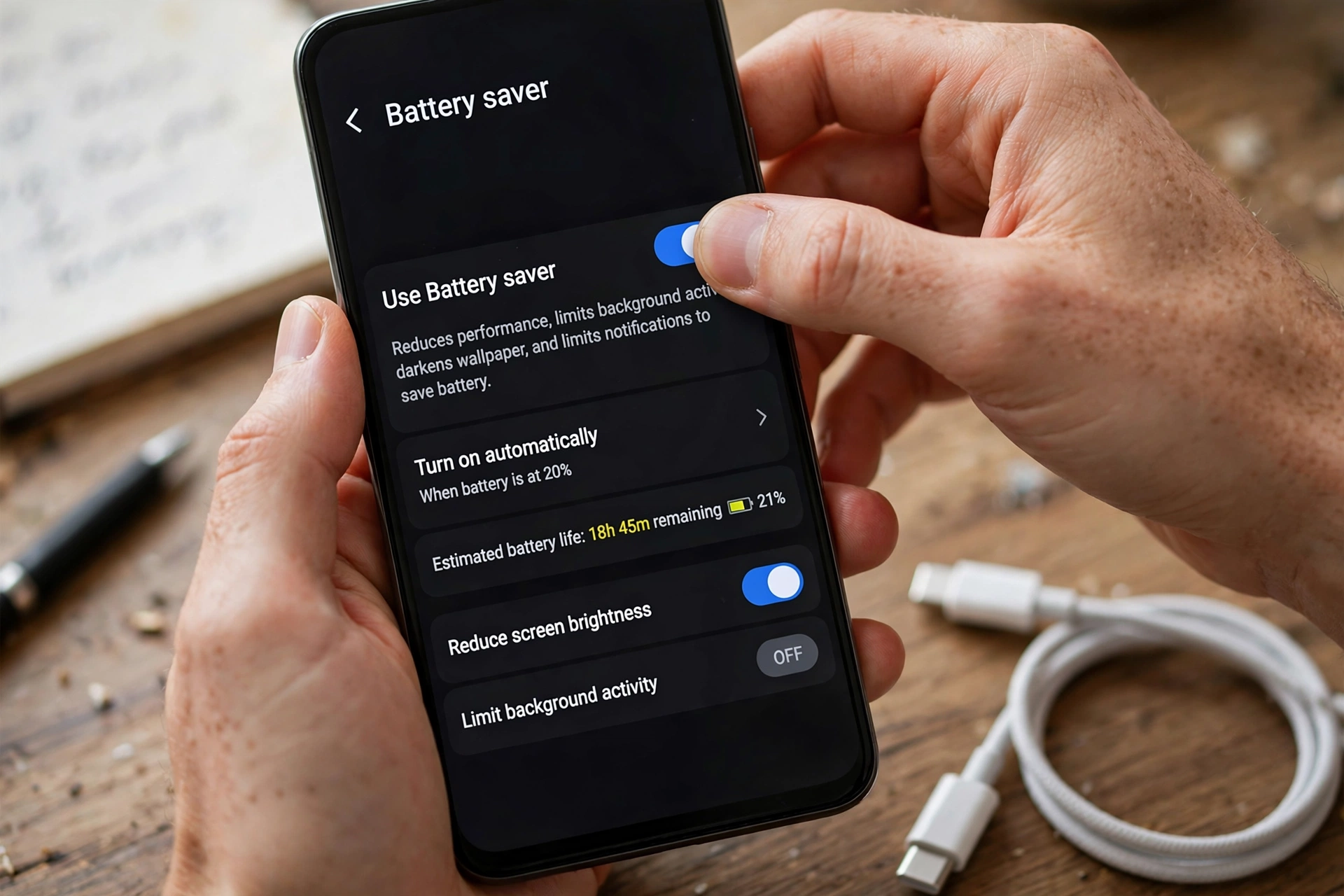
If you are running low, use your phone’s battery saver or low power mode. It is not just a panic button — it can easily add an hour or two by quietly pausing background work you do not need right now.
Habits That Quietly Drain Your Battery
When your phone battery drains fast, habits matter just as much as settings, and these are the ones people rarely think about.
Streaming video over mobile data is another heavy habit. An hour of video at full brightness with a weak signal is about the hardest workout you can give a battery. If you watch a lot of video, download shows over Wi-Fi beforehand when you can, and lower the brightness a notch — your eyes adjust within minutes.
Gaming has the same effect, only more so. Games push the processor and graphics chip hard, and they generate heat, which itself makes the battery less efficient. A long gaming session is one reason your phone battery drains fast, and that is normal — play plugged in when you can, or accept that gaming days are two-charge days.
And then there is the simplest habit of all: picking up your phone every few minutes. Each unlock lights the screen and refreshes feeds. If your battery usage shows the screen on for six hours a day, the honest answer may be that the phone is simply being used a lot — and no setting can fully fix that.
Charging Habits That Protect Your Battery Long Term
How you charge matters when your phone battery drains fast, because charging habits decide how fast the battery ages.
The old advice about never charging past 80 percent and never dropping below 20 percent comes from real battery chemistry, and while modern phones manage charging far better than older ones, the principle still holds: batteries age fastest at the extremes. If you can, keep your phone roughly between 20 and 80 percent for everyday use. Many phones now offer an “optimised charging” setting that does something similar automatically — turn it on.
Heat is the real enemy. Charging a phone in direct sunlight, on a hot dashboard, or under a pillow will age the battery faster than almost anything else. The same goes for a cheap, uncertified charger that overheats. A decent charger from a known brand costs little and protects a battery worth far more.
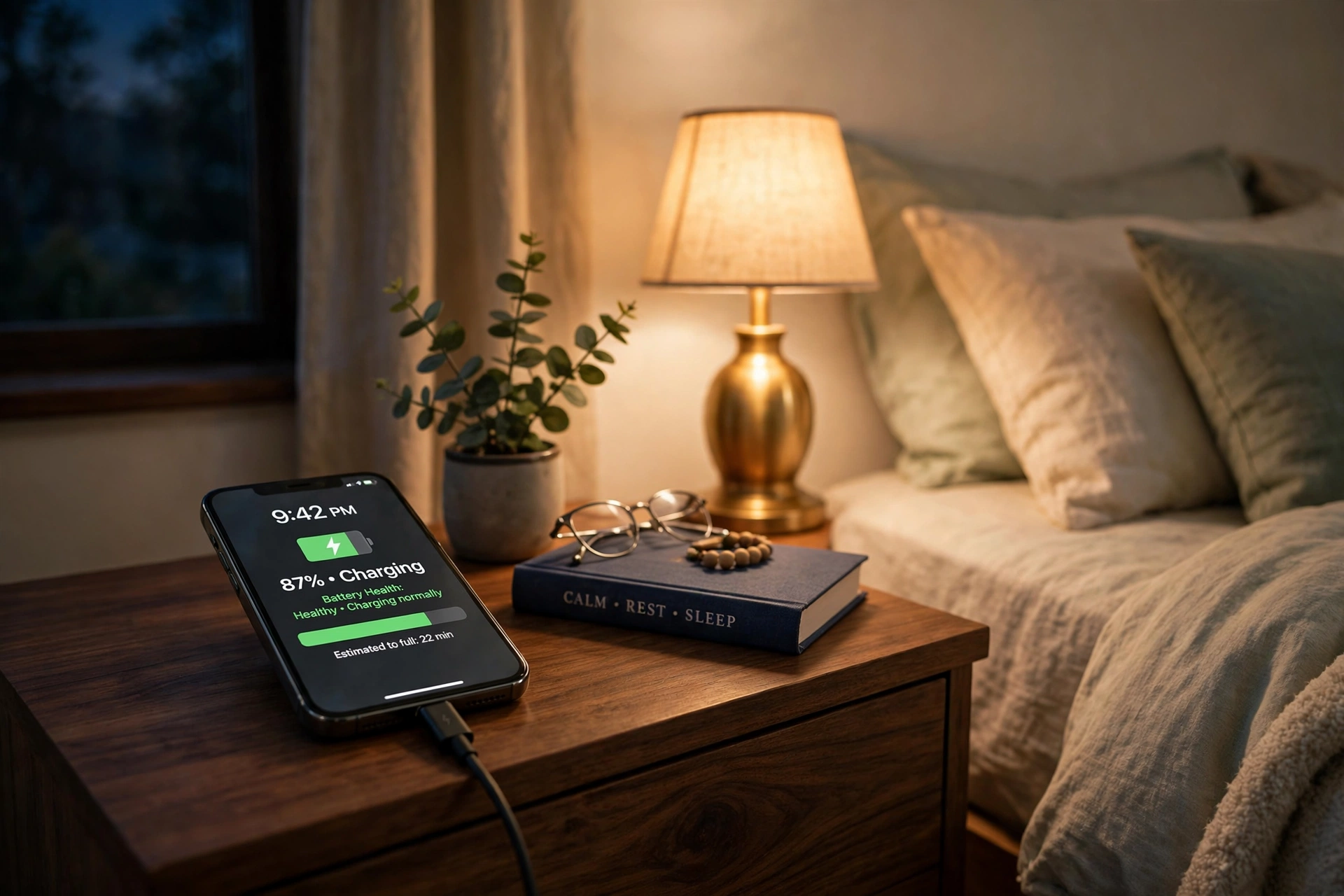
Overnight charging used to be a worry, but modern phones stop charging at 100 percent and trickle from there, so it is not the disaster it once was. Still, if you can charge in the evening and unplug before bed, your battery will age a little more gracefully. And if your phone ever feels hot while charging, unplug it and let it cool.
When Your Phone Battery Drains Fast Despite Doing Everything Right
Sometimes you do everything right and your phone battery drains fast anyway, because the battery still dies by mid-afternoon. That usually means the battery has simply reached the end of its healthy life, and that is not a reason to buy a whole new phone.
Check the battery health figure first. Below 80 percent capacity, a replacement is usually worth it — it costs a fraction of a new phone and can give an old handset another year or two. Go to the manufacturer’s own service or a reputable repair shop, because a poor-quality replacement can be worse than the tired original.
Swelling is the one symptom to take seriously. If the back of your phone is bulging or the screen is lifting, stop using it and get it checked immediately. A swollen battery is damaged, and it should never be charged or punctured.
Frequently Asked Questions
Why does my phone battery drain fast even when I am not using it?
Usually background activity: apps refreshing, location tracking, email syncing, and a weak signal keeping the radio working hard. Check battery usage in settings to find the culprit, then limit background refresh and location for the worst offenders.
Is it bad to leave my phone charging overnight?
Not really, with a modern phone. Phones stop charging once full and manage the trickle carefully. For the longest battery life, though, charging in the evening and unplugging before bed is slightly gentler.
Does closing all my apps save battery?
Only a little, and sometimes not at all. Modern phones freeze unused apps efficiently. Closing the heavy ones — maps, video, games — helps, but obsessively closing everything can actually use more power, because reopening apps from scratch costs energy too.
Should I use battery saver mode all the time?
You can, but you do not need to. Battery saver is best for long days or low charge, because it limits background sync and performance. For everyday use, the settings above give you most of the benefit without the trade-offs.
Final Thoughts
When your phone battery drains fast, it is rarely a mystery once you look at the numbers. It is usually the screen, a greedy app, a weak signal, or a battery that has lived a long, busy life. The fixes are ordinary: dim the screen, quiet the background apps, charge sensibly, and keep the phone cool.
Try the settings changes today — they take about ten minutes — and check your battery usage again in a week. If your laptop is slow too, our guide to speeding up a slow laptop uses the same fix-the-culprit approach.