

Learning how to organize phone photos in 20 minutes starts with a simple system. Most phone galleries are a mess, and it happens slowly. A screenshot here, a duplicate there, a burst of twenty photos of the same sunset, and suddenly you have thousands of images and cannot find the one you actually want. Organising all of them sounds like a weekend job, which is why most people never start.
The good news is that you do not need to organise everything. You need a simple system that makes future photos easy to find, and a quick clean-up that removes the obvious clutter. Twenty minutes is enough to make a real difference, if you work in the right order.
Step 1: Back up before you delete anything when you organize phone photos (3 minutes)
Before you delete a single photo, make sure your photos are backed up. Check your phone’s backup settings and confirm that recent photos are saved to your cloud account or computer. If you are not sure, connect your phone to a computer or open your cloud photo app and check the latest date.
This step matters because deleting is easy and undoing is not. Once you know there is a copy somewhere safe, you can clean up with confidence. If your storage is full and backup is stuck, free up cloud space first or back up to a computer, and only then start deleting from your phone.
Step 2: Delete the obvious clutter first when you organize phone photos (7 minutes)
Start with the easy wins, not the precious memories. Open your screenshots folder first. Most screenshots are useful for a day and useless after a week: a bus timetable, a recipe, a message you wanted to remember. Delete the old ones, and keep only the ones you still need.
Next, look for duplicates and near-duplicates. If you took ten photos of the same group, keep the best two and delete the rest. The same goes for blurry photos, accidental pocket photos, and videos you recorded by mistake. Do not spend time deciding on every photo. If you hesitate for more than a few seconds, keep it for now and move on. The goal is progress, not a perfect gallery.
A timer helps here. Set seven minutes, work quickly, and stop when it rings. You will be surprised how many photos you can clear when you are not trying to be perfect.
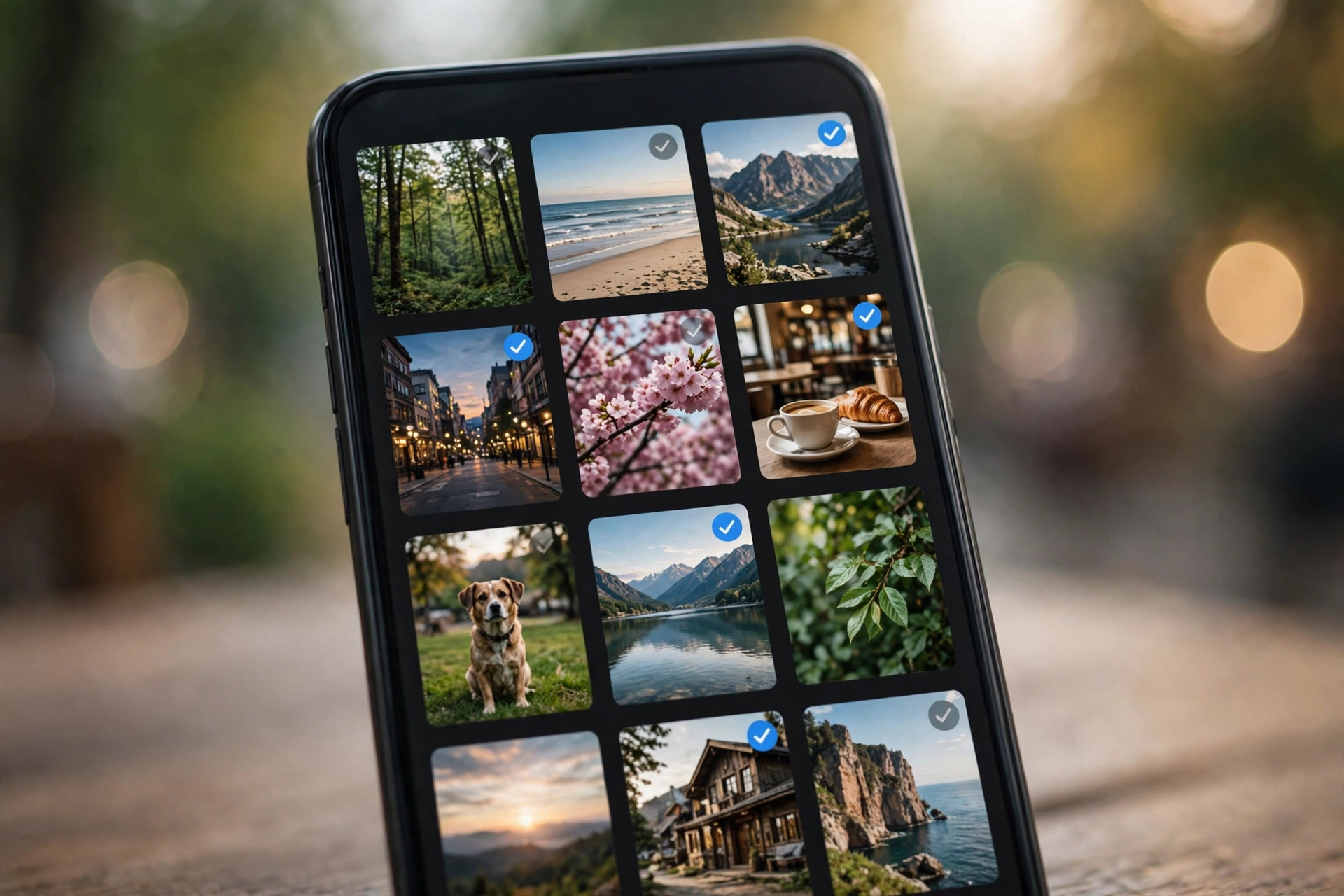
Step 3: Make a few simple albums to organize phone photos (5 minutes)
You do not need fifty albums. Most people only need a handful. Good starting albums are: Family, Travel, Work, Favourites, and To Print or Share. Some phones also let you create albums automatically from people or places, which can save time.
Go through your recent photos and move the important ones into the right album. Do not try to sort years of photos in one go. Start with the last month, then work backwards when you have another spare twenty minutes. If a photo fits two albums, put it in the one where you would look for it first.
Use the Favourites feature as well. Marking a photo as a favourite is faster than moving it, and it gives you a quick way to find your best photos later, whether you want to print them, share them, or just look back at them.
Step 4: Set up a simple habit to organize phone photos (5 minutes)
A gallery stays tidy only if new photos have a place to go. Take five minutes to set up a habit that fits your life. For example, every Sunday evening, spend five minutes deleting screenshots and marking favourites from the past week. Or, after a trip, spend ten minutes making a travel album while the memories are still fresh.
Turn on automatic backup if it is not already on, and turn on any duplicate or suggestion features your phone offers. Many phones now suggest blurry photos, duplicates, and large videos for review. Those suggestions are not perfect, but they make the weekly clean-up much faster.
It also helps to change one small habit: when you take a burst of photos, delete the extras straight away instead of leaving them for later. That one habit alone prevents most gallery mess.
What to do with old photos when you organize phone photos
Old photos can feel harder to organise because they carry memories. You do not need to sort them all at once. Start by making one album called Old Favourites, and move the photos you love into it as you come across them. The rest can stay in your main gallery until you have time.
If your phone storage is full, consider moving old photos to a computer or external drive, with a clear folder name and date. Keep one backup copy, and check that the files open properly before deleting them from your phone. A backup you have never tested is not really a backup.
For printed photos, the same rule applies: scan or photograph the ones that matter most, save them with a simple name such as “Family 2015”, and store the originals safely. You do not need to digitise everything to enjoy your old photos again.
A 20-minute plan to organize phone photos you can repeat
Here is the whole plan in one place:
- Back up your photos and check the latest backup date (3 minutes).
- Delete old screenshots, duplicates, and blurry photos (7 minutes).
- Make five simple albums and move recent important photos into them (5 minutes).
- Set a weekly five-minute habit and turn on automatic backup (5 minutes).
Repeat this once a month, or after a holiday, and your gallery will stay manageable. The first clean-up is the hardest. After that, it is just a short habit.
Related reading
- Morning Routine for Energy: A Simple 30-Minute Plan
- How to Speed Up a Slow Laptop in 30 Minutes
- Best Free Browser Games With No Download Needed
- 5 Free AI Tools That Actually Save You Time
- About Us
- Contact Us
Frequently asked questions
Will deleting photos from my phone delete them from backup too?
It depends on your settings. Some cloud services delete backed-up photos when you delete them from your phone, while others keep them. Check your backup app’s settings before a big clean-up.
How many albums should I make?
Start with five or fewer. Too many albums are harder to maintain than too few, and you can always add one later for a specific trip or event.
Should I keep every photo just in case?
No. Keeping everything makes it harder to find the photos that matter. Keep the best versions, back them up, and let go of duplicates, blurry shots, and old screenshots.
How often should I organize my photos?
A quick five-minute clean-up once a week, plus a longer twenty-minute session once a month or after a trip, is enough for most people.
Conclusion: How to organize phone photos in 20 minutes
Learning how to organize phone photos is less about perfect folders and more about a simple, repeatable habit. Back up first, delete the obvious clutter, make a few clear albums, and spend five minutes a week keeping it tidy. In twenty minutes, your gallery can go from overwhelming to useful, and the photos you actually care about will be much easier to find.