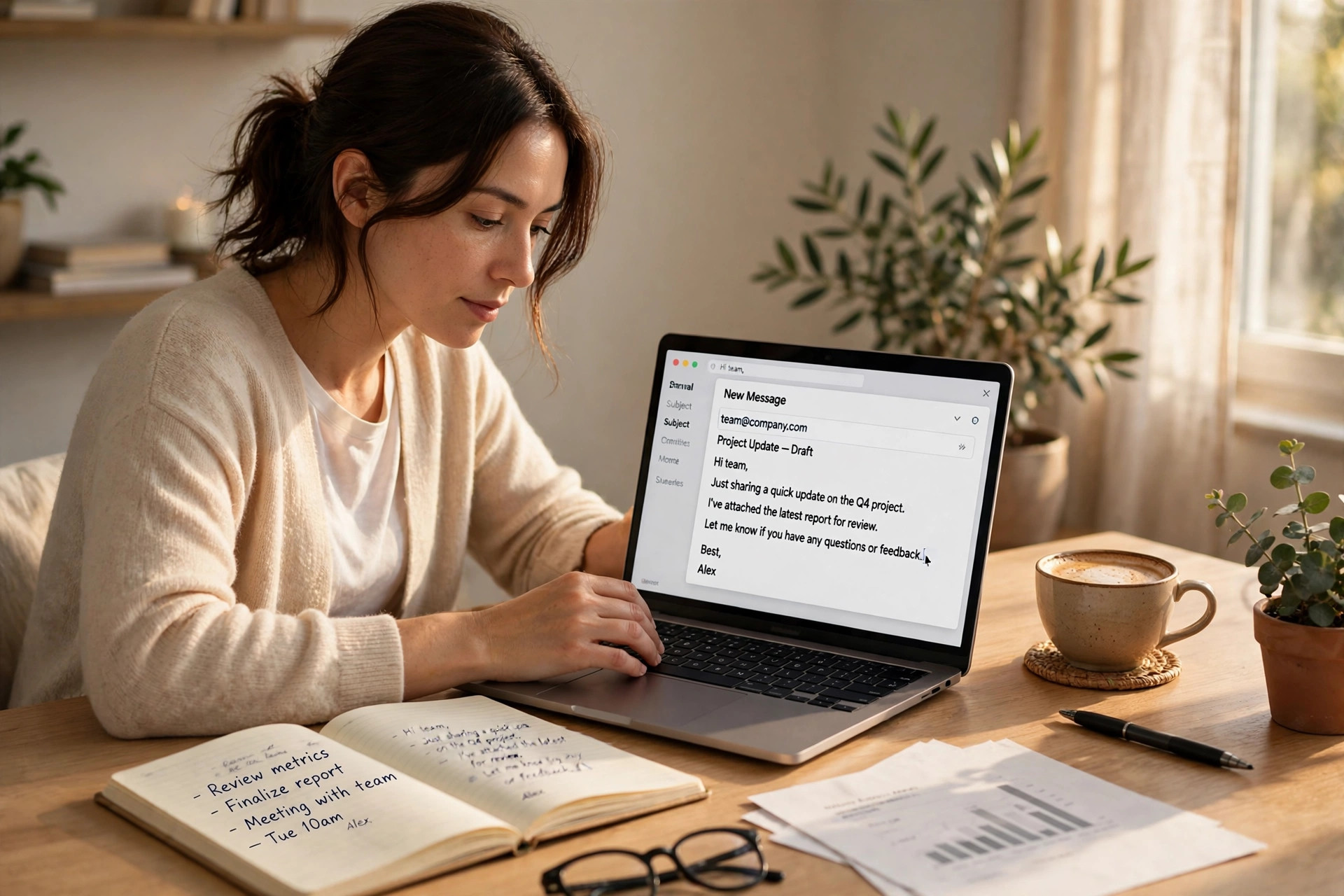
We have all sent an email we regretted. Too long, too blunt, or so tangled that the reader had to read it twice and still was not sure what we wanted. Writing a good email is harder than it looks, because you are trying to be clear, polite, and brief all at once — usually in a hurry, usually on your phone. Learning to write better emails with AI helps with exactly this kind of message.
That is exactly where AI helps, if you use it the right way. The trick is not to let AI write the email for you. The trick is to let it clean up the email you already meant to write. Used that way, AI is less like a ghostwriter and more like a helpful colleague who reads your draft, points at the confusing parts, and says, “Here, this is what you meant, right?” That is why learning to write better emails with AI starts with your own draft, not a blank page.
Here is a simple way to write better emails with AI, without losing your own voice in the process.
1. Start With Your Own Rough Draft
This is the most important step, and the easiest to skip. Before you open any AI tool, write the email yourself — badly, quickly, without worrying about the wording. Just get the facts down: who you are writing to, what happened, what you need, and by when.
A rough draft might look like this: “Hi, sorry for delay, the report is almost done, had some issues with data, will send Friday, let me know if that’s okay.” It is messy, but it is honest, and it contains everything the email needs. That mess is the raw material. AI works best when it has something real to shape. If you start with a blank box and ask AI to “write a professional email,” you will get a polished, empty message that could belong to anyone.
Write rough first. Polish second. That order protects your voice, because the ideas and the facts stay yours. This habit helps you write better emails with AI while keeping your own voice.
2. Give the AI Context, Not Just the Text
Paste your draft into your AI tool, but do not stop there. Add one or two lines of context: who the reader is, how formal you need to be, and what outcome you want. Something like: “This is to my manager. Keep it polite and short. I need an extension until Friday.”
That small bit of context changes everything. Without it, AI guesses the tone, and it usually guesses “very formal corporate,” which is why so many AI emails read like they were written by a committee. With context, the same tool can write a warm note to a friend, a short apology to a customer, or a firm but polite follow-up to someone who owes you an answer.
If you already use free AI tools for other jobs, you will find the same tools handle email drafts perfectly well — you do not need a special app for this. A general chatbot is enough, and if you are still choosing one, our guide to free AI tools that actually save you time is a good place to start. It is a practical first step to write better emails with AI.
3. Fix the Tone, Not Just the Grammar
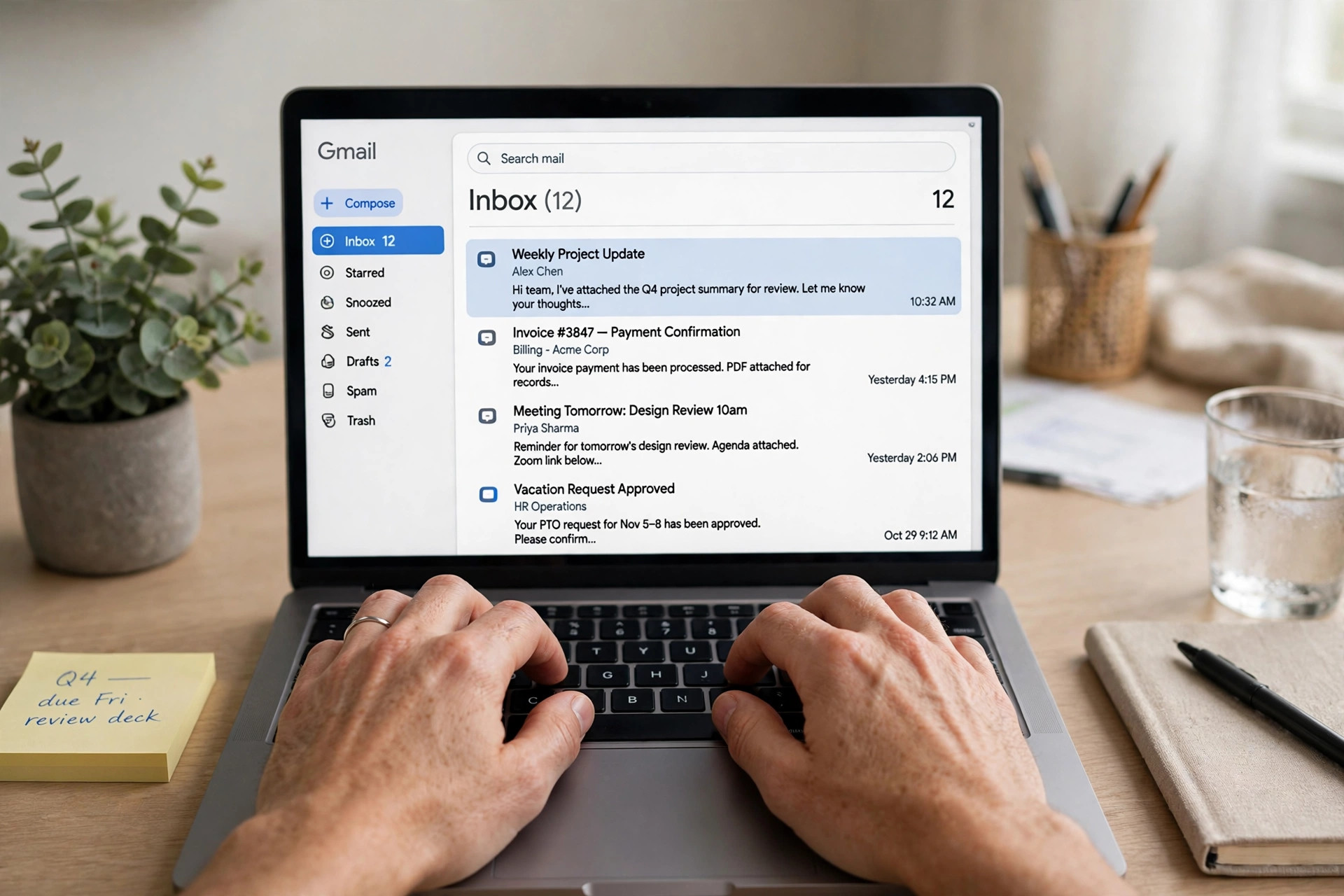
Most people ask AI to “fix the grammar” and stop there. Grammar matters, but tone is what actually decides how your email lands. The same sentence can sound helpful or rude depending on a handful of words, and AI is surprisingly good at spotting that difference — if you ask it directly.
Try asking: “Make this sound friendly but firm,” or “Make this shorter and less apologetic,” or “This sounds angry — soften it without changing what I am asking for.” You will be surprised how much a small change helps. “I need this by Friday” becomes “Could you send this by Friday? It would really help me finish the report on time.” Same request, completely different feeling for the reader.
One warning, though: read the result out loud. If it sounds like something you would never actually say, change it back. Your email should sound like you on a good day, not like a stranger in a suit. Reading it out loud is a simple test when you write better emails with AI.
4. Cut Ruthlessly — Then Cut Once More
Long emails do not get read carefully; they get skimmed, and the important bit gets missed. A useful rule: after AI polishes your draft, ask it to cut the email by a third, keeping every fact and request intact. Then read the shorter version and check that nothing important vanished.
Most emails can lose their first paragraph entirely. People tend to warm up with “I hope you are well” and three lines of background before reaching the point. AI can help you move the point to the top: “Quick question about Friday’s report” beats a slow wind-up every time, especially for busy readers.
There is one exception: bad news and apologies. Those need a little space, a little warmth, and one honest sentence about what went wrong. Cutting those down to two cold lines makes things worse, not better. Use your judgment — AI can shorten, but it cannot tell when a human touch matters more than brevity.
5. Let AI Write the Subject Line Last
Subject lines are small and strangely stressful, so people either leave them blank or write something vague like “Update” or “Question.” Both are a mistake. The subject line is the only part of your email that is guaranteed to be read, so it should carry the point.
Write the email first, then ask AI for five subject-line options based on the finished draft. Pick the clearest one, not the cleverest. “Report delayed until Friday — sorry” is better than “Quick update on deliverables.” The reader should know what the email is about before opening it, and ideally what you need from them. A clear subject line is a small part of learning to write better emails with AI.
A good test: if you saw only the subject line, would you know whether you need to reply today? If not, rewrite it.
6. Use AI Most for the Emails You Dread
Everyone has an email they keep putting off: the complaint, the apology, the follow-up to someone who ignored you twice, the polite “no” to a request you cannot take on. These are the emails where AI earns its keep, because the hard part is not the words — it is the courage to start.
Draft the awkward version first, even if it is too blunt. Then ask AI to make it diplomatic: “Keep the message the same, but make it polite and professional.” The result gives you a starting point that is much easier to send, and sending it usually takes a weight off your mind. Many people find that once the dreaded email is sent, the reply is far kinder than they feared — most readers are just glad someone finally wrote clearly.
The same trick works for good news, by the way. A thank-you email written with a little help sounds warmer, not faker, because AI helps you name exactly what you appreciated instead of falling back on a generic “thanks for everything.”

7. Always Edit Before You Send
This is the rule that keeps everything safe. Never send an AI-polished email without reading it once, slowly, as if you were the person receiving it. Check three things: Are the facts right? Is the tone right for this person? Is there anything in there you would not want to say out loud?
AI sometimes invents details, softens a request until it disappears, or adds a phrase that sounds fine in general but wrong for your reader. A thirty-second read catches all of that. Think of it the same way you would a morning routine: a small check, done every time, that prevents a whole class of problems later in the day.
If the email matters — a job application, a client, a difficult conversation — sleep on it if you can. A draft that looked perfect at midnight often reads differently in the morning, and that second look is worth more than any tool. A second look is worth it when you write better emails with AI for something important.
Your 5-Minute Email Checklist
- Write your own rough draft first, messy is fine.
- Add context: who it is for, how formal, what you need.
- Ask for tone, not just grammar: friendly, firm, or softer.
- Cut a third, and move the main point to the top.
- Write the subject line last, and make it carry the point.
- Read it once as the receiver before you press send.
Work through that list and your emails get shorter, clearer, and noticeably kinder — without ever sounding like they were written by a machine. Use it whenever you need to write better emails with AI.
Frequently Asked Questions
Will people know I used AI to write my email?
Only if you send it unedited. An AI draft that you rewrote in your own words, with your own facts and your own tone, reads like you. The giveaway is a generic, over-formal email with no personal detail — which is exactly what the rough-draft-first method avoids.
Is it okay to use AI for work emails?
For drafting and polishing, yes, in most workplaces. Just do not paste confidential information — client names, salaries, private data — into a public AI tool, and always check the facts before sending. When in doubt, ask your manager about your company’s policy.
What is the best free AI tool for emails?
Any good general chatbot will do the job. Pick one you already use and are comfortable with, rather than chasing a new app every week. The technique matters more than the tool. The tool matters less than the method you use to write better emails with AI.
How long should a good email be?
As short as it can be while still being clear and polite. Most everyday emails work best at five to eight sentences. If yours is longer than that, check whether the extra paragraphs are really needed — or whether a call would be faster.
Final Thoughts: How to Write Better Emails with AI
Writing better emails with AI is not about handing your voice over to a machine. It is about using the machine to remove the friction — the blank page, the tangled sentence, the tone you cannot quite get right — so the email that reaches the reader sounds like you at your clearest. Start rough, give context, fix the tone, cut hard, and always read it once before sending. Do that, and the next email you dread might just write itself into something you are happy to send. That is the whole point of learning to write better emails with AI.
If you enjoy practical, time-saving guides like this one, you may also like our article on organizing your phone photos in 20 minutes — another small job that feels much better once it is done.
For more practical guides, try a simple evening routine for better sleep, learn how to fix slow Wi-Fi at home, speed up a slow laptop, start playing chess online, or enjoy free browser games with no download needed.