

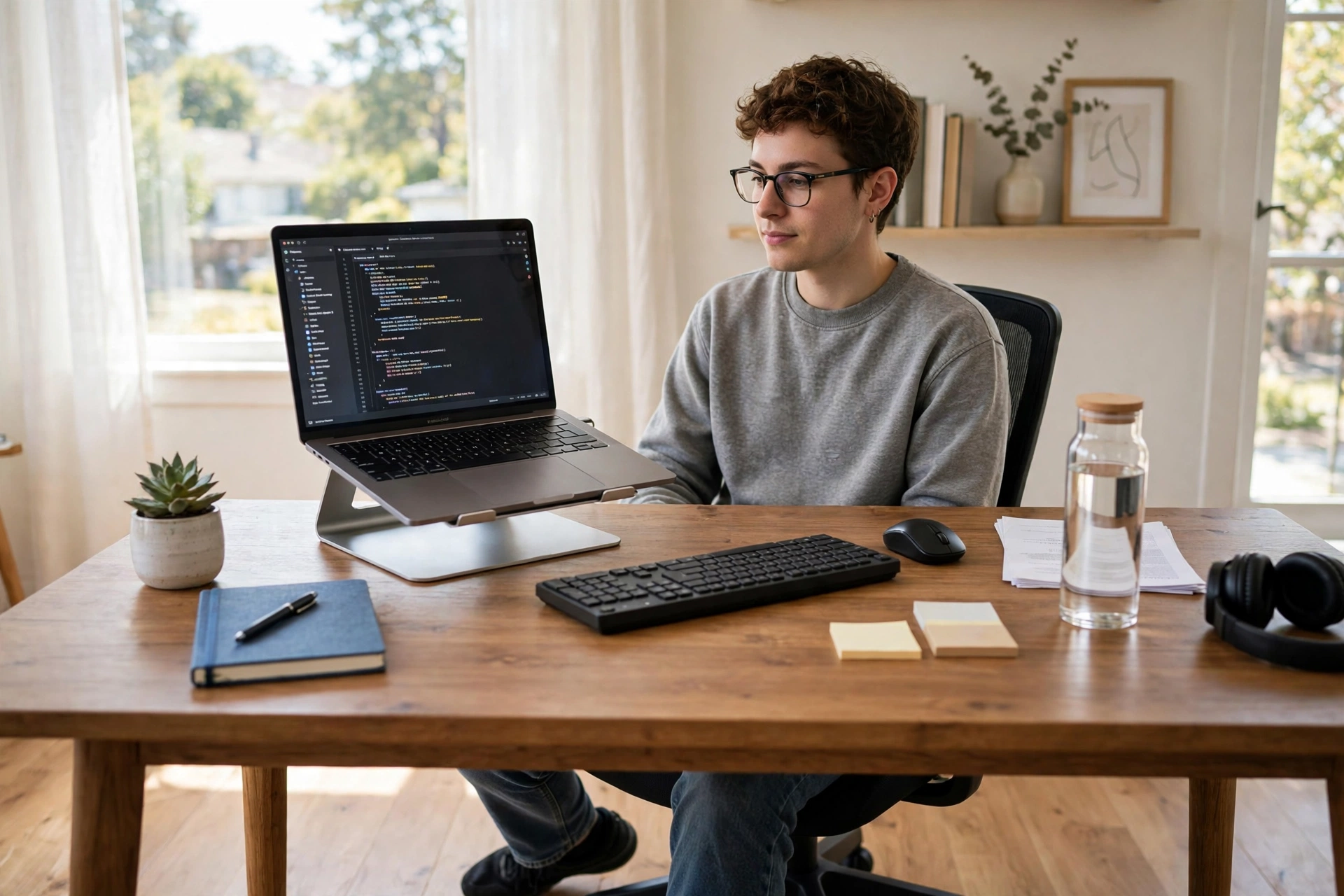
By three in the afternoon, most desk workers know the feeling: shoulders creeping up towards the ears, neck jutting forward, lower back aching quietly. You straighten up for a minute, then slide right back. If you want to improve your posture at work, the good news is that you do not need an expensive chair, a standing desk, or a wearable gadget. You need a few small setup fixes, a handful of movement habits, and a little patience.
Posture is not about sitting like a soldier all day. Nobody can hold a perfect position for eight hours. Good posture is really about variety: spending most of your day in a comfortable, supported position, and moving often enough that no single position wears you out.
Why Desk Posture Goes Wrong So Easily
Our bodies were not designed for screens. When you lean towards a laptop, your head moves forward and your neck muscles work much harder than they should — a head weighs around five kilograms, and every centimetre it drifts forward adds to the load. Shoulders round and the lower back loses its natural curve. Over weeks, that pattern starts to feel normal, which is why it is hard to notice until something hurts.
The chair gets blamed most of the time, but the screen is usually the bigger culprit. A laptop screen sits too low, so you look down all day. A monitor pushed too far away makes you lean in to read. Add a chair that is a little too high or too low, and your body quietly compensates in all the wrong places.
Fix Your Desk Setup First (It Takes Ten Minutes)
Before buying anything, try these free adjustments — they solve most desk problems on their own.
First, raise your screen to eye level. The top of the screen should be roughly at eye height, so you look slightly down at the middle of it, not craning your neck. A stack of books, a sturdy box, or a ream of paper under a laptop works perfectly well. If you use a laptop for long stretches, an external keyboard helps, because it lets you raise the screen without raising your hands to an awkward height.
Next, set your chair height so your feet rest flat on the floor and your knees bend at roughly a right angle. If your feet dangle, a low box closes the gap. Your lower back should touch the chair’s backrest; if there is a gap, a small rolled towel behind your lower back does the job of a lumbar cushion for free.
Then check your distance: sit about an arm’s length from the screen, with the keyboard close enough that your elbows stay near your sides, bent at about ninety degrees. If you keep reaching forward for the mouse, pull it closer.
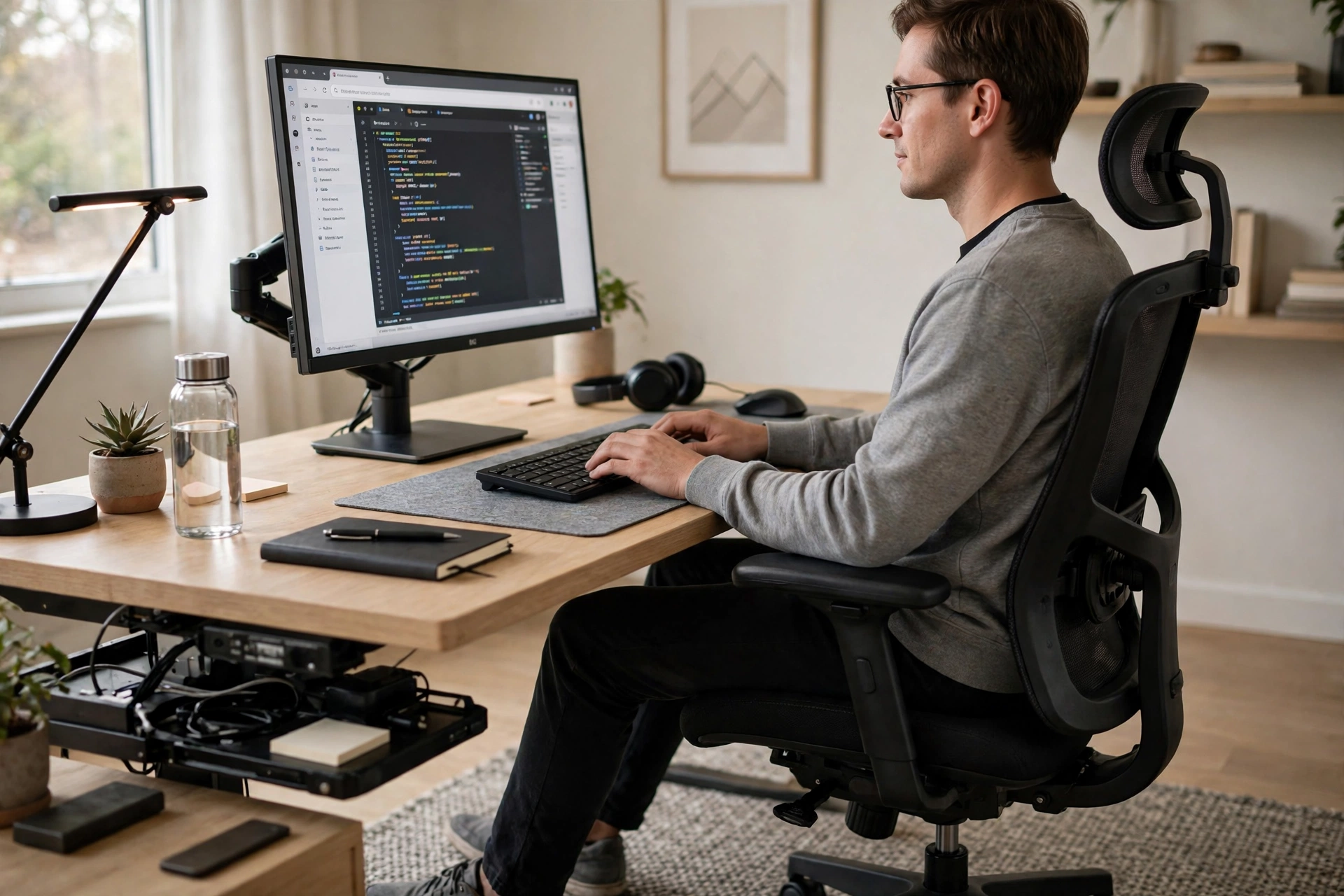
Movement Breaks Beat Perfect Sitting
Here is the part most posture guides underplay: even the best setup fails if you never move. Your body likes changing position. Aim to stand up, walk, or stretch for a couple of minutes every half hour or so. You do not need a formal routine — refill your water bottle, walk to the far end of the room, or stand while you take a phone call.
Linking movement to things you already do makes it stick. Stand every time you finish a task, stretch while the kettle boils, or walk around during a call that does not need your screen. Drinking enough water helps here too: regular trips to refill your glass are built-in movement breaks.
Three gentle stretches are enough to undo a morning of sitting. Roll your shoulders slowly backwards ten times, then forwards ten times. Open your chest by clasping your hands behind your back and lifting them slightly — hold for ten seconds. Finally, tuck your chin gently back, making a “double chin” for a few seconds, to stretch the back of the neck. Do them slowly, breathe normally, and stop if anything hurts sharply. Mild effort is the goal, not pain.
A short walk at lunch is worth more than any of these alone. Walking loosens hips tightened by sitting, and gives your eyes a break from close screen work. Even ten minutes outside changes how the afternoon feels.

Retrain the Habits That Pull You Forward
Setup and movement fix the environment, but old habits still pull you back into a slouch. Two small mental tricks help more than constant self-correction, which is exhausting and never lasts.
The first is the “string” check. Once or twice a day — say, when you sit down after lunch and mid-afternoon — imagine a string gently pulling the top of your head towards the ceiling. Let your shoulders drop away from your ears and your chin sit level. Hold that tall, easy position for a few breaths, then forget about it and work. Checking in briefly, a few times a day, retrains your sense of what “straight” feels like far better than white-knuckling it all morning.
The second trick is to change your anchor habit. Most people slouch hardest during one activity — reading long documents, say, or video calls. Notice yours, and pair it with a counter-move: sit back in your chair before a call starts, or stand up to read a long page. Attaching the fix to the trigger makes it automatic over time. Willpower runs out; routines do not.
What About Standing Desks and Fancy Chairs?
Standing desks and ergonomic chairs can help, but they are not magic, and they are not necessary. Standing all day brings its own problems — sore feet, tired legs, and locked knees — so people who stand should still alternate between sitting and standing. If you ever get a standing desk, the rule of thumb is to change position every thirty to sixty minutes, not to stand for hours on end.
The same goes for chairs. A good chair supports your lower back and lets your feet rest flat, but an ordinary chair with a rolled towel and the right height does nearly as well. Spend money only after you have fixed the free things — screen height, distance, movement — and only if a specific problem remains. Posture is mostly a habit problem wearing a furniture costume.
When to Get Something Checked
Most desk-related aches improve within a couple of weeks of better setup and regular movement. But see a doctor or physiotherapist if pain is sharp, shoots down an arm or leg, causes numbness or weakness, or does not improve at all after a few weeks of changes. Tingling fingers, for example, can come from nerve pressure that simple stretching will not fix. This article is general information, not medical advice, and a professional can spot problems a blog post cannot.
It is also worth checking the rest of your day. A morning routine that includes a few minutes of stretching sets your body up better than any chair can. Posture is a whole-day story, not just a desk story.
Frequently Asked Questions
How long does it take to improve your posture?
Most people feel a difference within two weeks of fixing their screen height and moving more often, and real habit change takes around a month or two. Be patient: you spent years building the old pattern, so a few weeks of gentle correction is a fair trade.
Is slouching actually harmful, or just ugly?
Occasional slouching is fine — the problem is staying in one bent position for hours. Prolonged slouching is linked with neck and back pain, headaches, and shallow breathing. Variety, not perfection, is what protects you.
Do I need to sit up straight all day?
No, and trying to will make you miserable. Sit in a supported, comfortable position, change position often, and stand or walk regularly. A relaxed, supported posture you can actually hold beats a rigid “perfect” one you abandon by ten o’clock.
Can exercises fix my posture?
Gentle strengthening helps over time, especially for the upper back and core, but exercise alone will not fix a screen that sits too low or a day without movement. Fix the setup, move often, and add simple back and core exercises as a bonus, not a replacement.
Final Thoughts
To improve your posture at work, you do not need to spend anything. Raise your screen to eye level, get your feet flat and your back supported, move every half hour, and check in with the “string” trick a few times a day. Those four habits cover almost everything that actually matters, and they cost nothing but a little attention.
Start with just one change today — the screen height is usually the biggest win — and add the next one tomorrow. In a few weeks, the afternoon ache that used to feel inevitable may quietly stop showing up.