
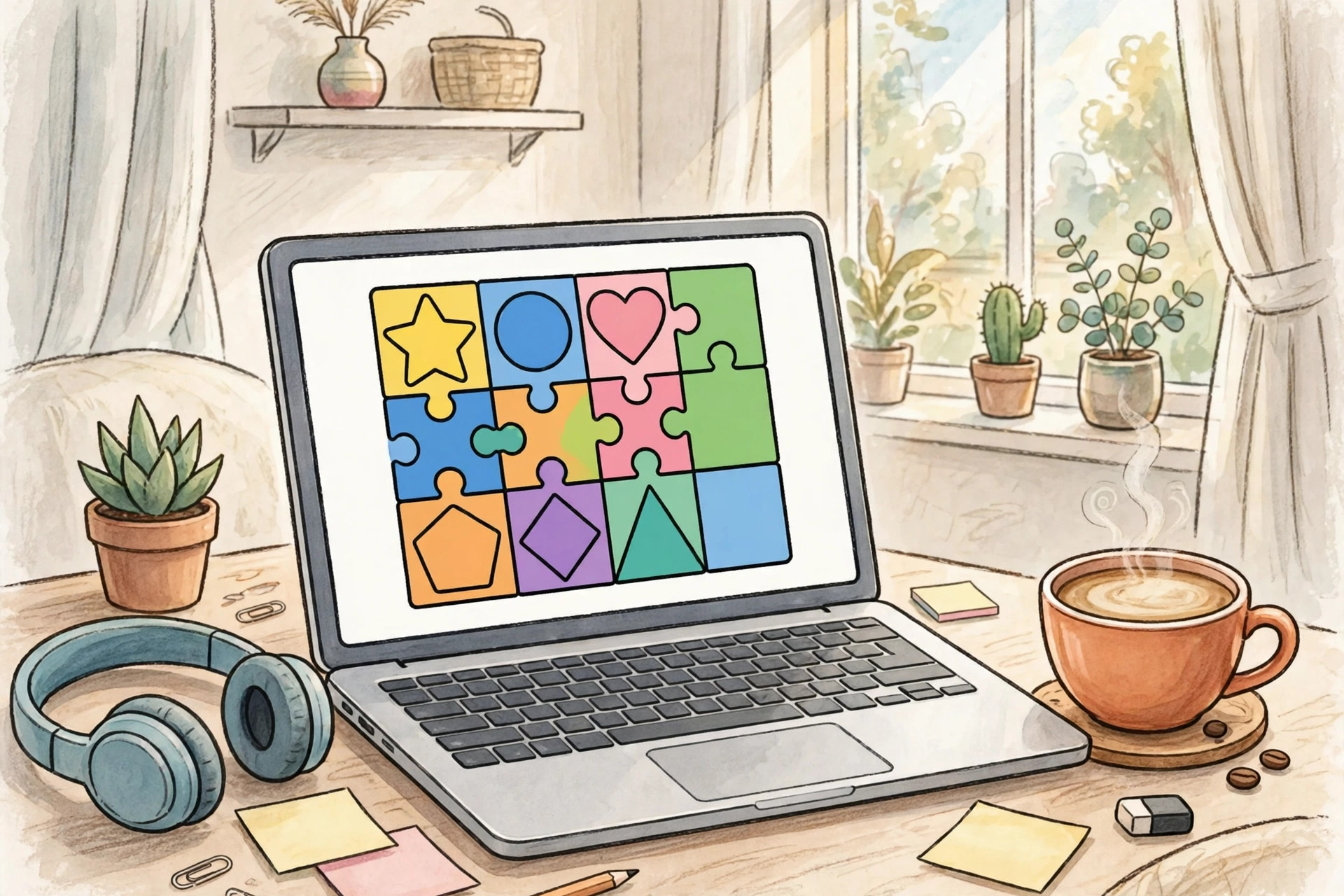
Sometimes you do not want a big game that takes an hour to install and another hour to learn. You want something quick: ten minutes on a lunch break, a short game while waiting for a call, or a relaxed puzzle in the evening. That is where free browser games are perfect. You open a website, click play, and you are in. No download, no account in many cases, and no need for a powerful computer.
The trick is finding games that are actually fun and not just full of ads. This guide looks at the kinds of free browser games worth your time, how to pick one for the mood you are in, and how to play safely without installing anything strange.
Quick puzzles for a short break
Puzzle games are the easiest place to start. They are quiet, they do not need fast reactions, and you can stop at any time. Word puzzles, number puzzles, and matching games all work well in a browser because they are simple to control with a mouse or touchscreen.
A good puzzle game should teach you in under a minute. If you need a long tutorial just to move a tile, it is probably not a good break-time game. Look for one clear goal, such as clearing a board, finding a word, or solving a daily challenge. Daily puzzles are especially good, because you get one fresh challenge a day instead of endless levels that never end.
I keep one word game and one logic puzzle bookmarked. On busy days I play one round, close the tab, and get back to work feeling like my brain had a proper pause, not just another scroll through social media.
Word and trivia games for playing together
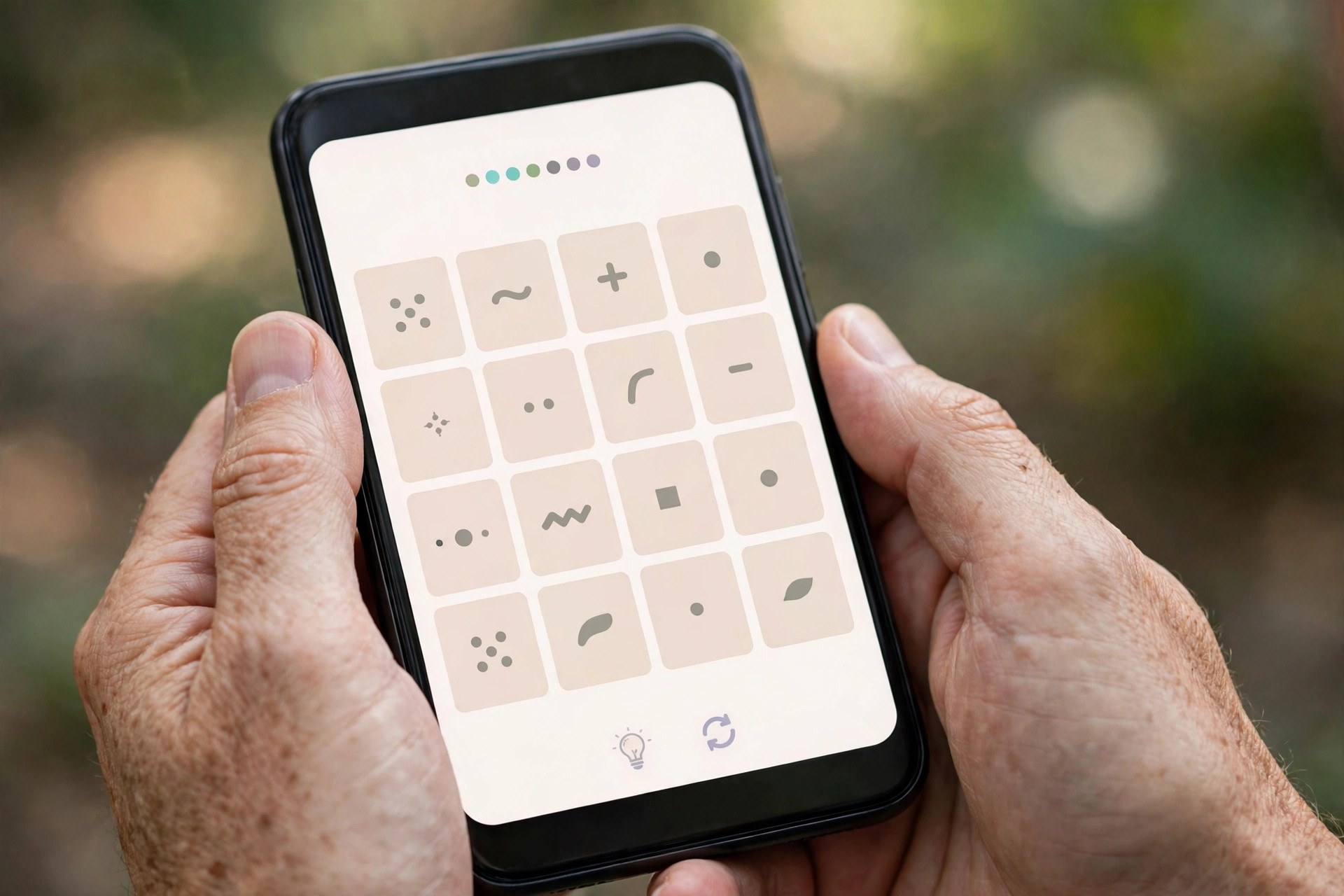
If you want to play with someone else, word and trivia games are a safe bet. Many browser games let you share a link with a friend, or play side by side and compare scores. You do not need to be a gamer to enjoy them. You just need to like words, general knowledge, or a bit of friendly competition.
These games also work well on a phone browser. The controls are usually just tapping letters or choosing answers, so you do not need a keyboard or a fast internet connection. If a game asks you to install an app before you can play, skip it. A real browser game should work in the browser itself.
Racing, sports, and action games without the install
Browser games are not only puzzles. There are also simple racing games, football games, and arcade-style games that run straight in your browser. They will not look like a big console game, and that is fine. The fun comes from quick rounds, simple controls, and trying to beat your own score.
For action games, check the controls before you commit. Arrow keys and a space bar are ideal. If a game needs a long list of keys, it may be frustrating on a laptop keyboard. Start with the easiest mode, learn the controls, and only then try the harder levels. A good arcade browser game should be fun in the first two minutes, not after twenty minutes of practice.
Relaxing games for the evening
Not every game needs to be competitive. Some of the best browser games are slow and calming: building a small farm, decorating a room, solving a gentle mystery, or exploring a quiet world. These are good for the evening, when you want to unwind without bright flashes and loud sounds.
Look for games with a save option, so you can come back tomorrow without losing progress. Also check the sound settings. A relaxing game should let you turn the music down or off completely. If a game keeps popping up ads every thirty seconds, it is not relaxing, no matter how pretty it looks.

How to play browser games safely
Free does not always mean safe, so a few habits help. Stick to well-known game websites and avoid sites that ask you to download a special player, toolbar, or file just to play. A browser game should not need that.
Be careful with games that ask for a lot of personal information before you can play. A username is normal. Your full name, phone number, or payment details are not, especially for a free game. If a site asks for payment to continue after a few minutes, close it and find another game. There are plenty of genuinely free options.
For children, use the same rule in a stricter way: play together first, check the chat and ad settings, and choose games without open chat or purchases. Many browser games are fine for all ages, but it is worth checking before handing over a device.
How to choose a game for your mood
Here is a quick way to decide:
- Only have five minutes? Pick a daily puzzle or a one-round word game.
- Want to play with a friend? Pick a trivia or word game with a share link.
- Need energy? Pick a short racing or arcade game with simple controls.
- Want to relax? Pick a building, farming, or slow exploration game.
- On a slow connection? Pick a simple puzzle or word game, not a graphics-heavy action game.
Bookmark two or three favourites instead of searching every time. That way, a short break stays short, and you spend your time playing rather than browsing game lists.
Frequently asked questions
Are free browser games really free?
Many are, but some show ads or offer optional extras. A good free game should let you play the main game without paying. If it blocks progress until you pay, it is not really free.
Do browser games work on a phone?
Most simple puzzle, word, and trivia games do. Action games can be harder on a small touchscreen, so check the controls first.
Do I need to create an account?
Not always. Many games let you play without an account, though an account may be needed to save progress or play with friends.
Are browser games safe for kids?
Many are, but check for chat, ads, and purchases first, and play together the first time. Choose games from trusted sites and turn off chat if possible.
Conclusion
The best free browser games are the ones that respect your time: no download, no long setup, and fun within a couple of minutes. Whether you want a quick puzzle, a word game with a friend, a short race, or a calm evening game, there is a browser game that fits. Pick one for your mood, bookmark it, and keep your breaks short, simple, and actually enjoyable.
