
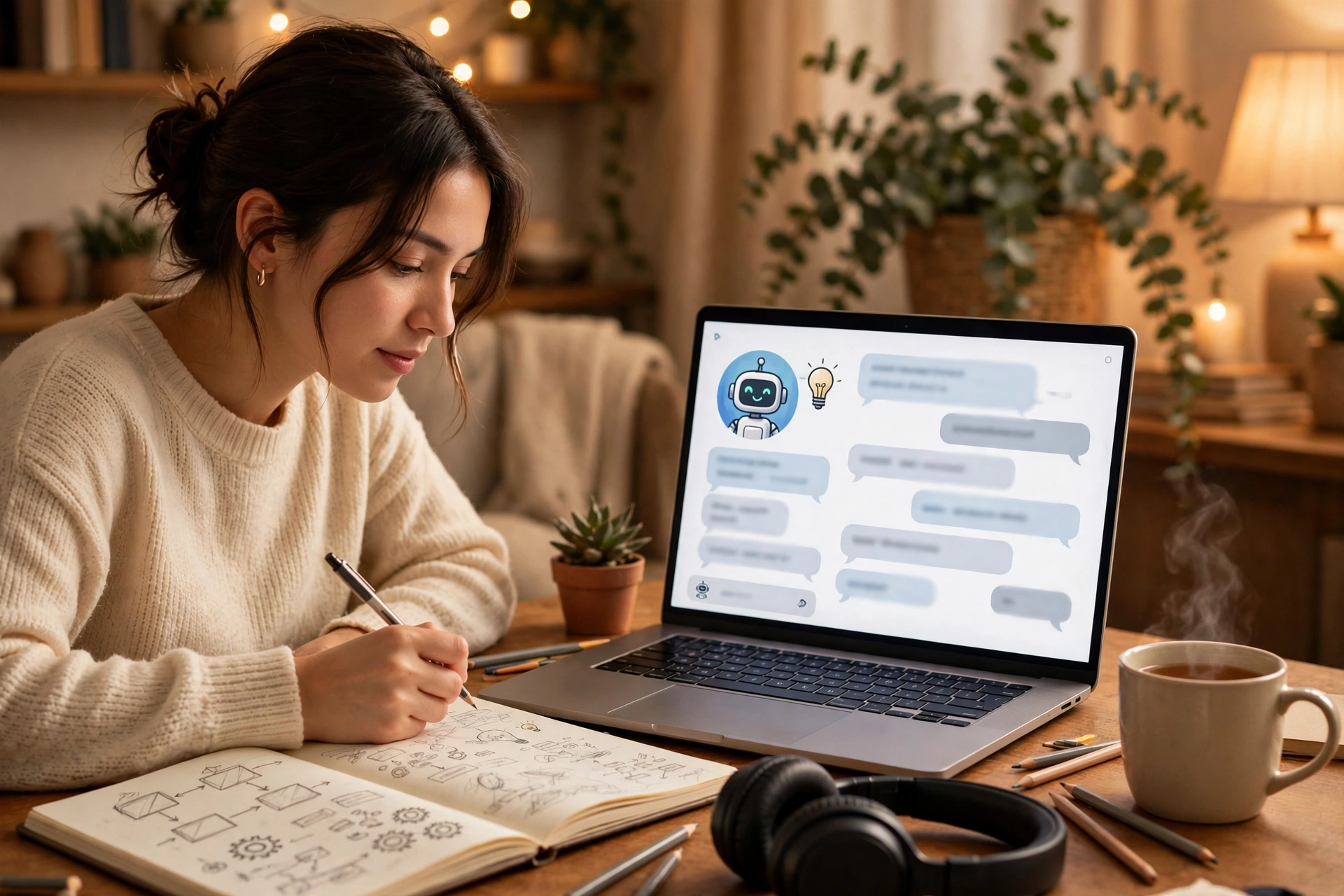
Most adults give up on learning something new for the same reason: not lack of talent, but lack of time and a clear path. You buy the guitar, download the language app, or bookmark the coding course — and three weeks later it is gathering dust. The good news is that to learn a new skill with AI is genuinely different from the old way, because an AI tutor is patient, available at midnight, and happy to explain the same thing five times without sighing.
That does not mean AI does the learning for you. It cannot build your muscle memory, and it cannot practise on your behalf. What it can do is remove the friction that usually kills a new hobby: not knowing where to start, getting stuck on a basic question, and having no plan for what to do tomorrow. Used well, AI tools can easily halve the time it takes to go from beginner to confident.
Start With One Skill, Not Five
Before you open any AI tool, pick one skill and write down why you want it. “Learn Spanish” is vague. “Hold a ten-minute conversation in Spanish before my holiday in March” is a goal an AI tutor can actually work with. The same applies to anything: playing three songs on guitar, building a simple website, or cooking ten reliable meals.
This matters because AI tools are generous — ask a vague question and you will get a huge, overwhelming answer. Ask a specific one and you get a usable plan. So decide the skill, the reason, and a realistic first milestone. Everything else in this guide builds on that choice.
Learn a New Skill with AI as a Tutor, Not a Textbook
A textbook gives you chapters in order. An AI tutor answers the question you actually have, right now. That is the real advantage, and it is worth using deliberately.
Start by asking the AI to act as a beginner-friendly teacher for your skill, and to explain things simply with examples. Then ask it to test you: “Quiz me on the ten Spanish verbs I just learned, one at a time, and correct my mistakes.” Short, active sessions like this beat passive reading every time, because your brain remembers what it had to work to recall.
A useful trick is to ask for explanations at different levels. If a concept confuses you, say “explain it like I am twelve” and then, once it clicks, “now explain it properly with the technical terms.” Moving between the simple version and the real version is how understanding sticks.
Turn Practice Into a Daily Drill
Knowing something and being able to do it are different things, and this is where most learners stall. AI can build you a practice routine that fits into twenty minutes a day, which is about all most busy people can spare.
For a language, ask for five new sentences a day using words you already know, plus a short dialogue to practise out loud. For guitar, ask for a ten-minute drill: two minutes of chord changes, five minutes on one song, three minutes of something fun. For coding, ask for one small exercise a day that builds on yesterday’s, with a hint first and the answer only when you ask.
The key is consistency, not volume. Twenty minutes a day for a month beats a heroic four-hour session once a fortnight, because skills are built by repetition spread over time. Tie the session to something you already do — practise with your morning coffee, or right after your evening walk — and it becomes a habit instead of a chore. A simple daily walk is a fine companion habit too, and our guide to walking 30 minutes a day explains why small routines stick.

Let AI Build Your Study Plan
One of the most practical ways to learn a new skill with AI is to ask it to plan the whole journey. Give it your goal, your available time, and your starting level, and ask for a four-week plan with weekly milestones. You will get something like: week one, the basics; week two, first real practice; week three, combining skills; week four, a small finished project.
Do not follow the plan blindly. Check it against your own experience after week one. If it is too easy, ask for harder material. If it is too fast, say so and ask it to slow down and add revision days. A good study plan is a conversation, not a commandment — and revising it is part of learning, not a sign of failure.
Also, use AI to create your own study materials. Ask it to turn a long article into flashcards, to summarise a chapter into five bullet points you can review on your phone, or to write practice questions with answers hidden at the bottom. Making the material is itself a form of studying, and having it on your phone means you can review during a commute or a lunch break.
Check Your Progress With Real Tests
AI is wonderful at encouragement, which is also its weakness: it will happily tell you that you are doing brilliantly even when you are not. So build in honest checks.
Every two weeks, test yourself without AI help. Play the song from memory. Write the email in Spanish without a translation tool. Build the small web page from scratch. If you can do it unaided, you have genuinely learned it. If you cannot, you have found exactly what to practise next — which is useful, not discouraging.
Another honest check is teaching someone else. Explain what you learned to a friend, a family member, or even a patient AI chat set to act as a curious beginner. If you can explain it simply, you understand it. If you stumble, you have found a gap, and you know what to ask next.
Mistakes That Slow You Down
A few traps are worth naming, because AI makes them tempting. First, copying answers instead of working through them. If the AI writes your code, translates your sentences, or solves your puzzle, you have watched learning happen, not done it. Use AI for hints and explanations, but do the work yourself — that effort is where the skill actually forms.
Second, jumping between tools. There are dozens of free AI tools, and trying them all is a form of procrastination dressed as research. Pick one main tutor and one practice tool, and stick with them for a month. Our roundup of free AI tools that actually save you time is a good place to choose from, but the choosing should take an evening, not a month.
Third, learning only from a screen. Some skills live in your hands and body — an instrument, a sport, a craft — and no amount of AI explanation replaces physical practice. Use AI to plan and correct, but keep the real practice offline, away from notifications. If your phone keeps dying mid-practice, our guide to a phone battery that drains fast covers the settings that help.
Frequently Asked Questions
Can AI really help me learn faster, or is it just hype?
It genuinely helps with the parts that usually slow people down: finding a starting point, getting unstuck, building a plan, and practising on demand. It does not replace practice, and anyone promising fluency in a week is selling something. Think of AI as a very patient tutor, not a shortcut.
Which AI tool should I start with?
Start with a general chatbot you already have access to — the free versions are enough for tutoring, quizzes, and study plans. Add a specialist tool only when you hit a limit: a language app for speaking practice, or a coding platform for real exercises. One tool used daily beats five tools used once.
How much time should I practise each day?
Twenty to thirty minutes of focused practice, most days, is enough for steady progress. Shorter is fine if it is daily. What matters is the streak, not the session length — and if you miss a day, just restart the next one instead of trying to “catch up” with a marathon session.
Will AI make me dependent on it?
Only if you let it. The rule is simple: AI explains and tests, you do the work. Test yourself regularly without AI, as described above, and you will stay in charge of your own learning. Dependency comes from copying answers, not from asking good questions.
Final Thoughts
Learning a new skill with AI works best when you treat the AI as a coach, not a crutch. Pick one skill, set a concrete goal, practise a little every day, and test yourself honestly every couple of weeks. The AI handles the planning, the explanations, and the endless patience — you handle the practice, and that is the part that actually builds the skill.
Start tonight. Open your AI tool of choice, tell it the skill you want and the time you have, and ask for your first week’s plan. Then put the phone down and do the first twenty minutes. A month from now, you will be glad you started today — and if you want a fun way to keep your brain sharp between sessions, our free puzzle games picks are a good place to unwind.